
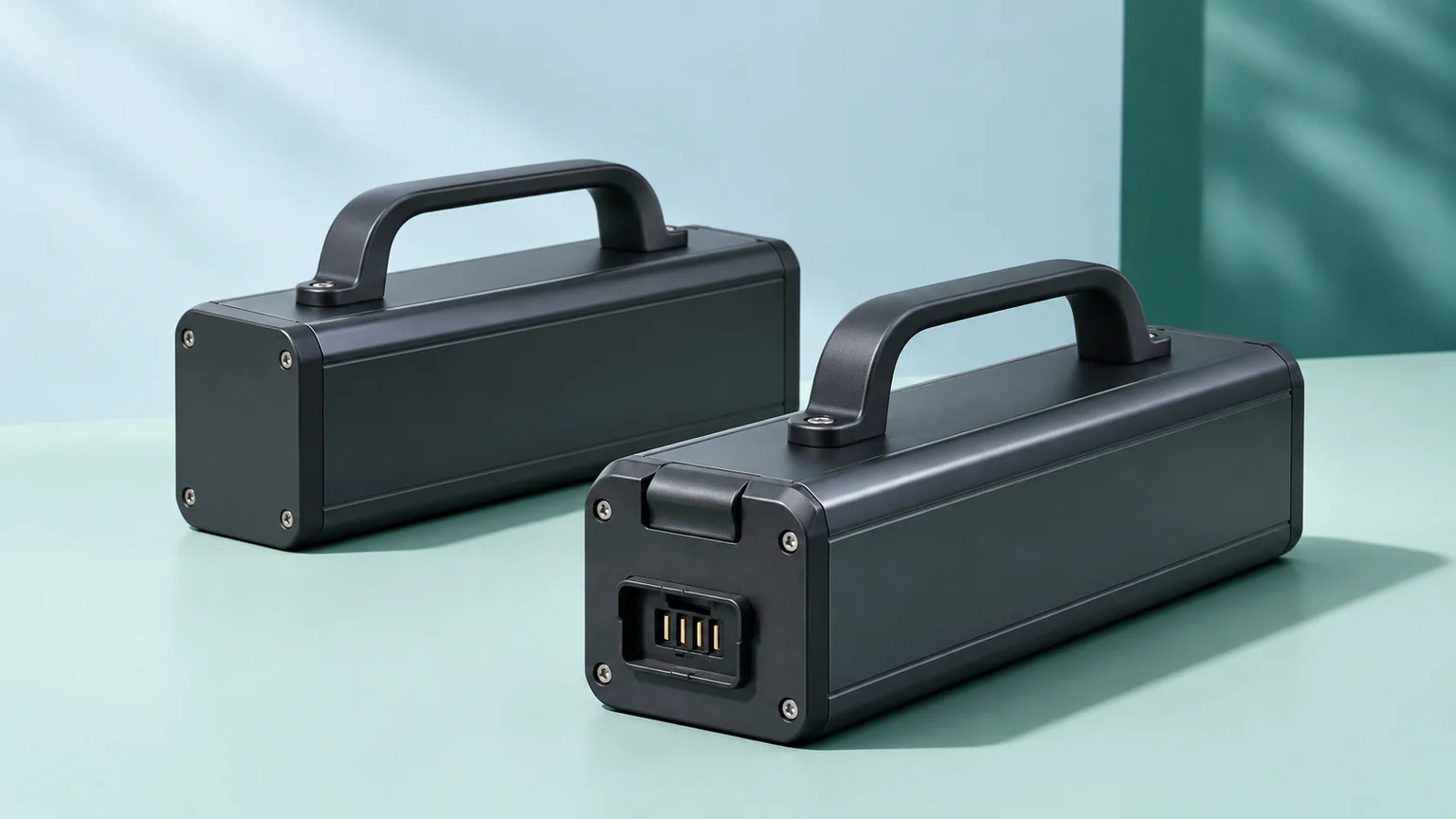
Matching batteries and cabinets
Start with the pack and its connector
Compare the actual pack dimensions, connector position and insertion direction with the cabinet slot. When the project uses several battery models, check a sample of each.
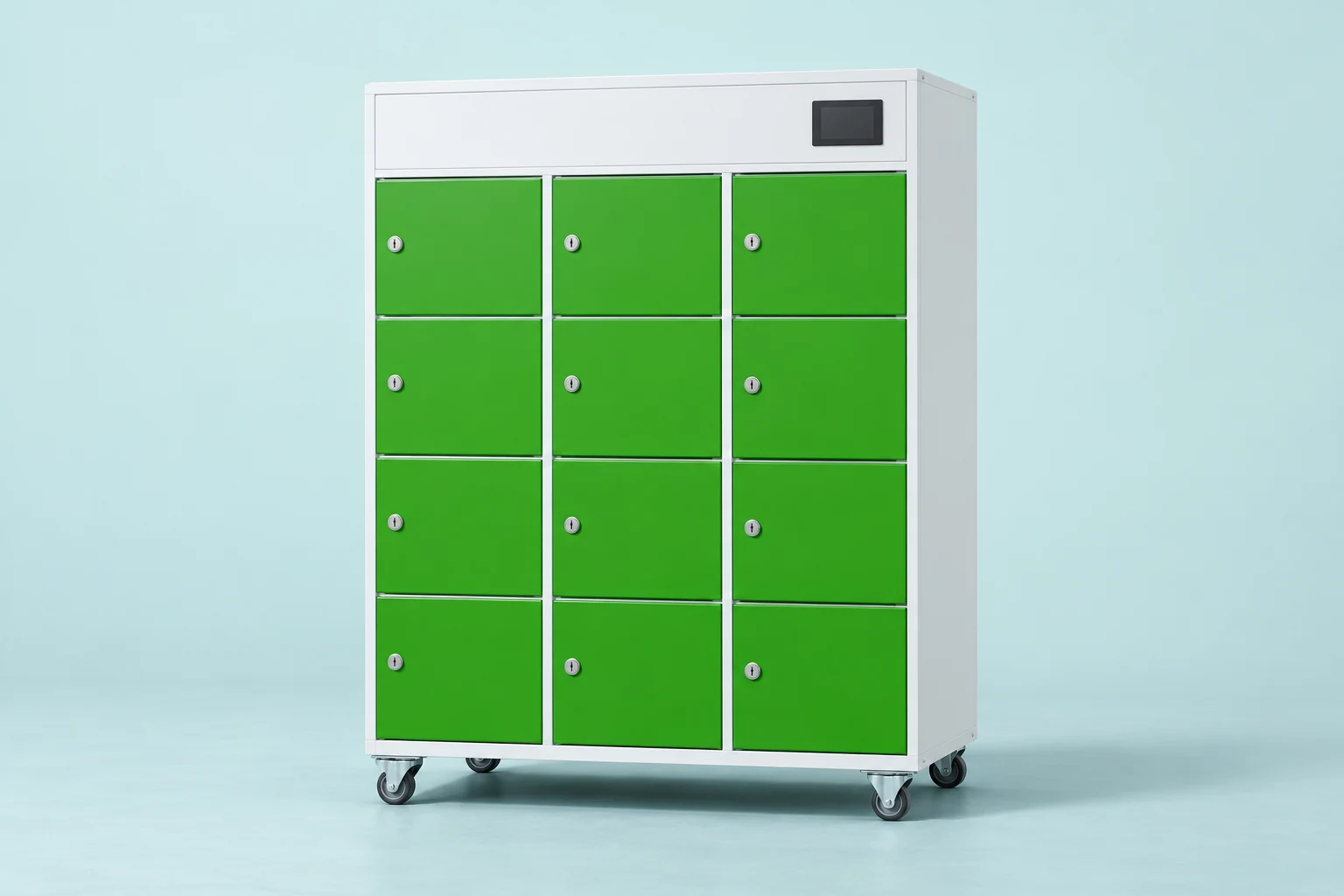
Confirm identification and status data
After checking the physical fit, confirm how the pack is identified, which status data is available and how the pack communicates with the cabinet. Include the data operators need to see.
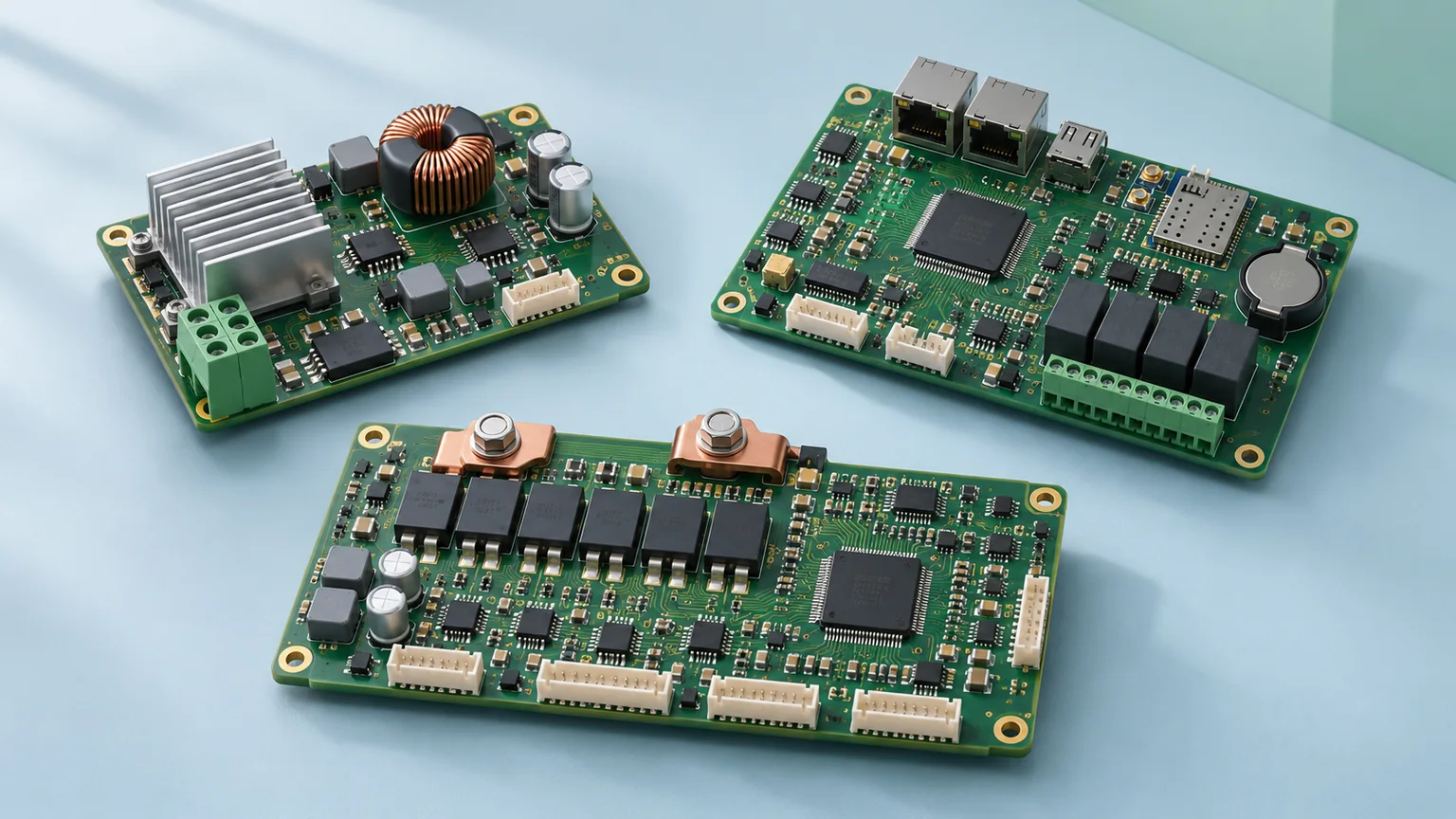
Run an integration check
Before deployment, use the chosen hardware to verify insertion, recognition, status visibility and removal. Record supported models and any issues that need follow-up.